Write a specific brief
Name the subject, framing, materials and lighting. For a layout, describe where each element belongs and put the exact text in quotation marks.
Put the picture in your words.
Describe the arrangement, write the headline and explain what matters. GPT Image 2 turns detailed instructions into images, with flexible shapes and a familiar reference-editing workflow.
Getting your studio ready…
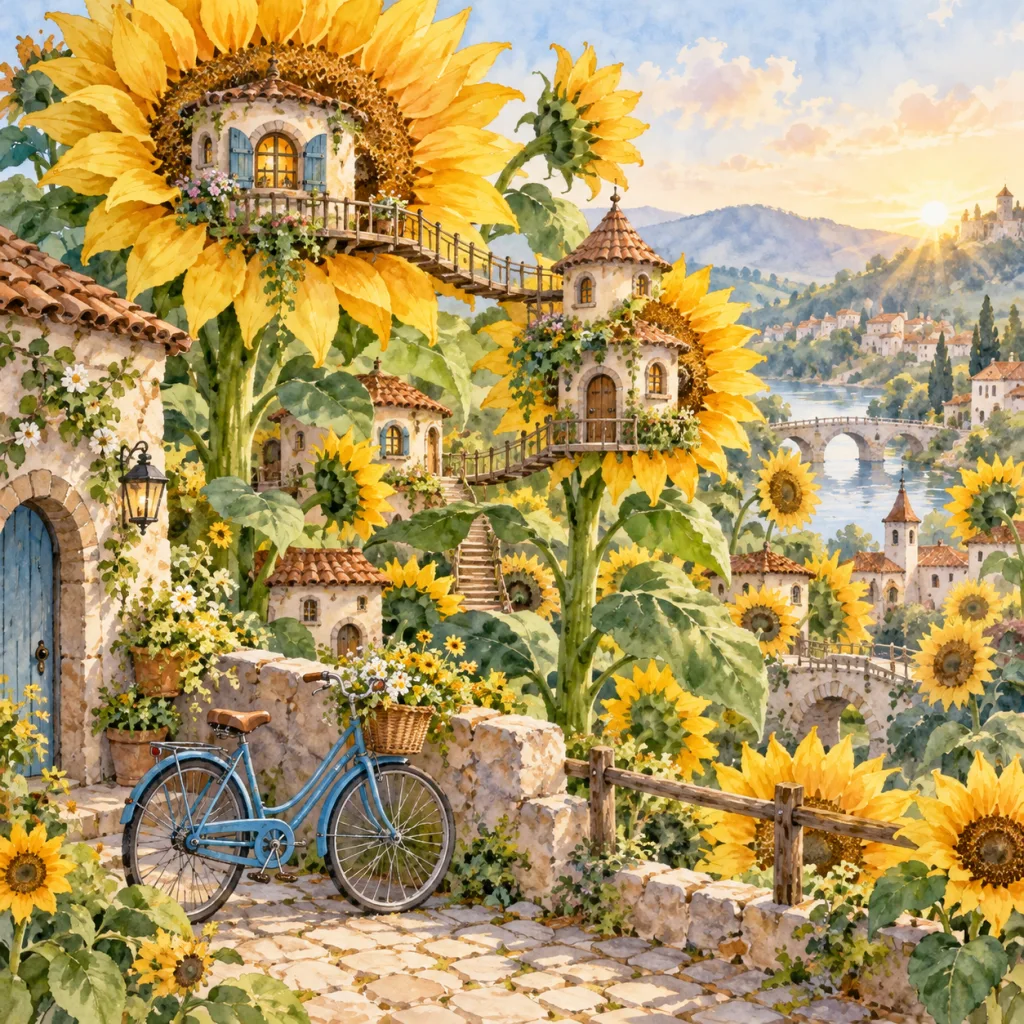
Actual model output · Your result will differ.
Name the subject, framing, materials and lighting. For a layout, describe where each element belongs and put the exact text in quotation marks.
Go beyond the usual square and portrait options with 2:1, 3:1, 1:3 or 9:21. Use a composition instruction that fits the chosen frame.
Add references or continue from a completed image. Keep the earlier version available and compare changes before deciding which result to download.
This page runs GPT Image 2. It does not silently substitute GPT Image 2.5. Standard output is available at 1K, 2K and 4K; there is no separate High-quality toggle here.
| Resolution | Credits |
|---|---|
| 1K | 3 |
| 2K | 6 |
| 4K | 12 |
Each reference adds 3 credits. The Generate button shows your current quote. Compare credit packs and plans.
Available shapes: 1:1 · 4:5 · 5:4 · 3:2 · 2:3 · 4:3 · 3:4 · 16:9 · 9:16 · 21:9 · 2:1 · 1:2 · 3:1 · 1:3 · 9:21
Yes. This page selects GPT Image 2 through ShimmerPic’s API provider. GPT Image 2.5 Flare and Sunburst are separate choices with their own model pages.
Yes. Add up to three reference images and describe the changes. You can also start a new version from an image in My creations. This studio does not include a mask editor.
OpenAI introduced Flare and Sunburst as the next generation, with improvements to detail and editing. The comparison guide explains their positioning; you can run your own brief on each model here.
New accounts receive 30 free credits. Generation and reference images use credits; after the welcome credits, choose a one-time pack or a monthly or annual plan. There is no unlimited generation tier.
ShimmerPic is an independent image studio, not affiliated with OpenAI. Model access is provided through an API service. Model names identify the options available here.